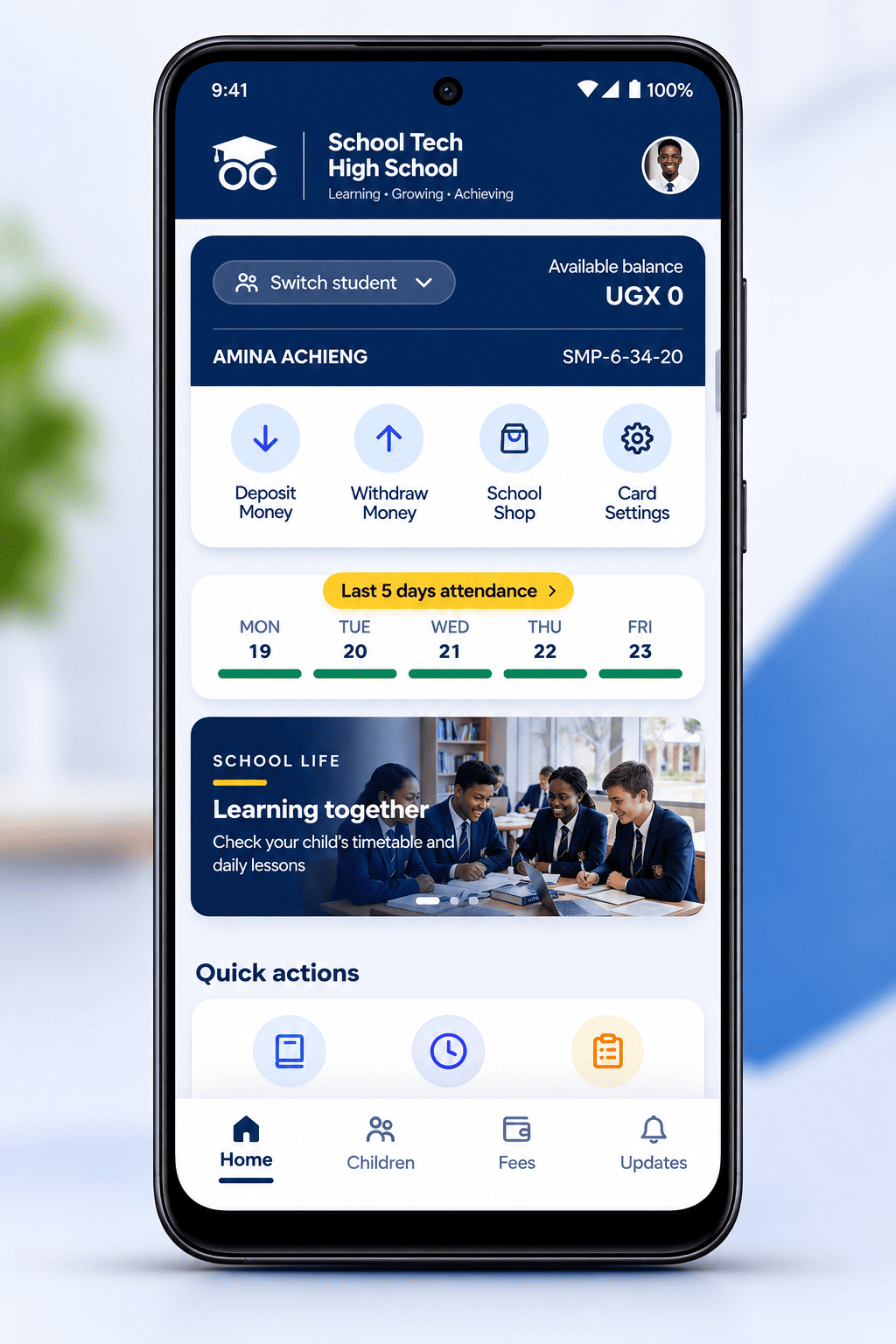
Run your entire school from one place.
Admissions to alumni, attendance to assessments, fees to fleet: one platform your office, your teachers, your bursar and your parents can all trust.
Everyone connected.
- Schools
- Hostels
- Parents
- Students
- Canteens
School Tech connects them.
Security and governance
Access, records and messages
Who may see each record, what the system writes down, how schools are kept apart, and how notices reach parents.
-
Roles and permissions
Each role opens the registers it needs, scoped to the schools a user has been given. Permissions are enforced on the server, with every request.
-
Audit log
Sign-ins, changes to records and administrative actions are written to a log naming the user, the action and the time. Platform administrators can read it.
-
Schools kept apart
Every record carries the school it belongs to, and the platform opens only the records of the school in use. Nothing from one school reaches the registers, reports or messages of another.
-
Notices to parents
Fee notices, attendance alerts and gate-pass approvals reach parents as text messages.
How it works
From empty to running in a day
-
[01]
Set up the school
The platform administrator creates the school, its classes and its terms, then switches on the modules it needs.
-
[02]
Invite your people
Staff are invited by email and given the roles that match the work they actually do, at the schools they work in.
-
[03]
Link families
A parent links once to each child, then signs in to a portal that shows only their own children and receives notices by text.
-
[04]
Run the term
Attendance, assessments, fees, transport and boarding all feed one student record, so reports and statements come out consistent.

Who it is for
Written for the people who run the day
-
[01]
Head teachers and administrators
One view of enrolment, staffing, attendance and finance, with role-based access for everybody else.
Get started -
[02]
Teachers
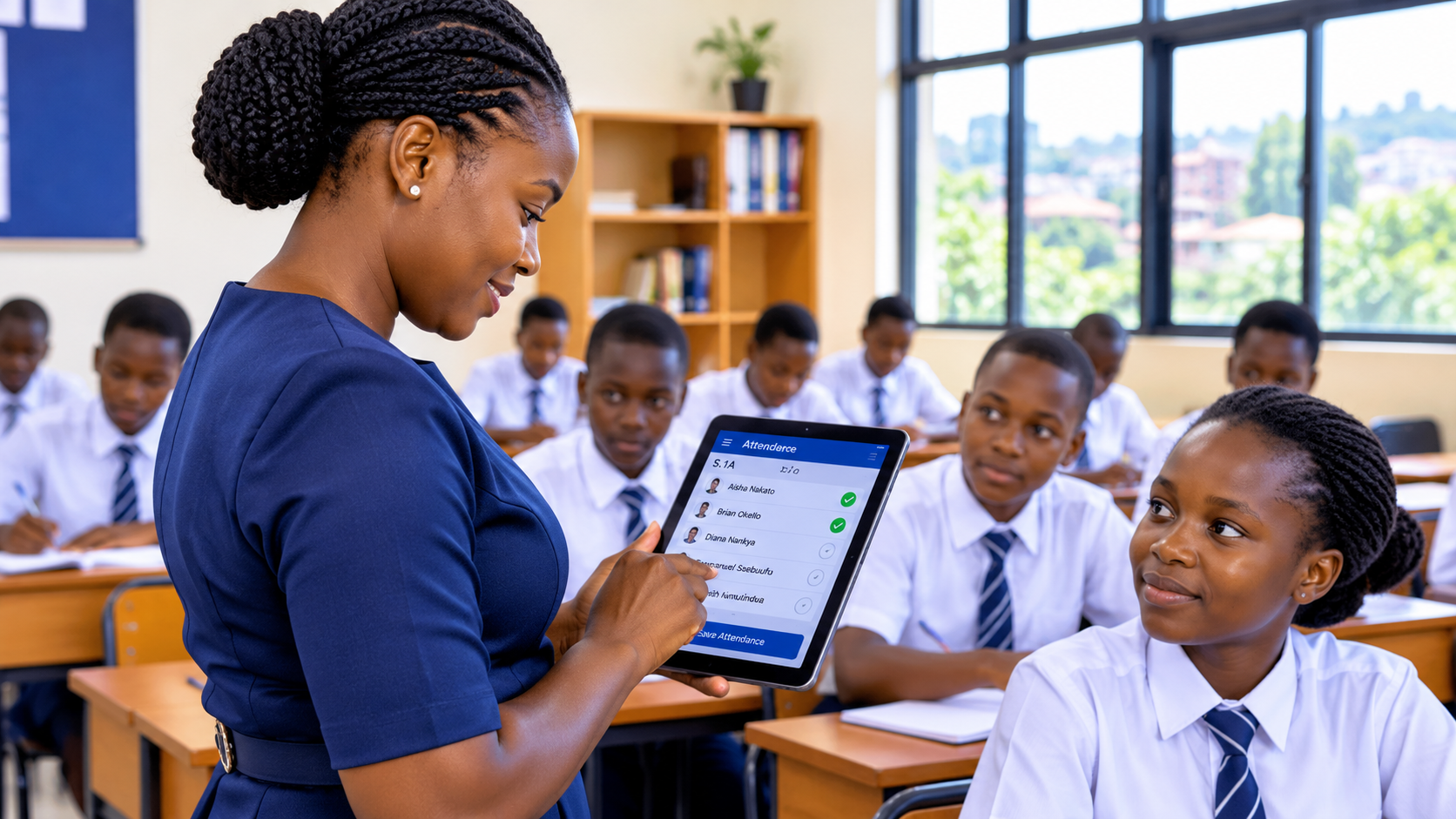
Mark a register, record an assessment and see your classes without learning three separate systems.
Get started -
[03]
Bursars and finance
Fee structures, receipts, expenses and payroll in one ledger, reconciled against mobile money.
Get started -
[04]
Parents
Follow your child’s attendance, results and fees, and approve a gate pass from your phone.
Get started -
[05]
Boarding wardens
Houses, beds and a roll call marked every night, with the exceptions already highlighted.
Get started -
[06]
Security and the gate
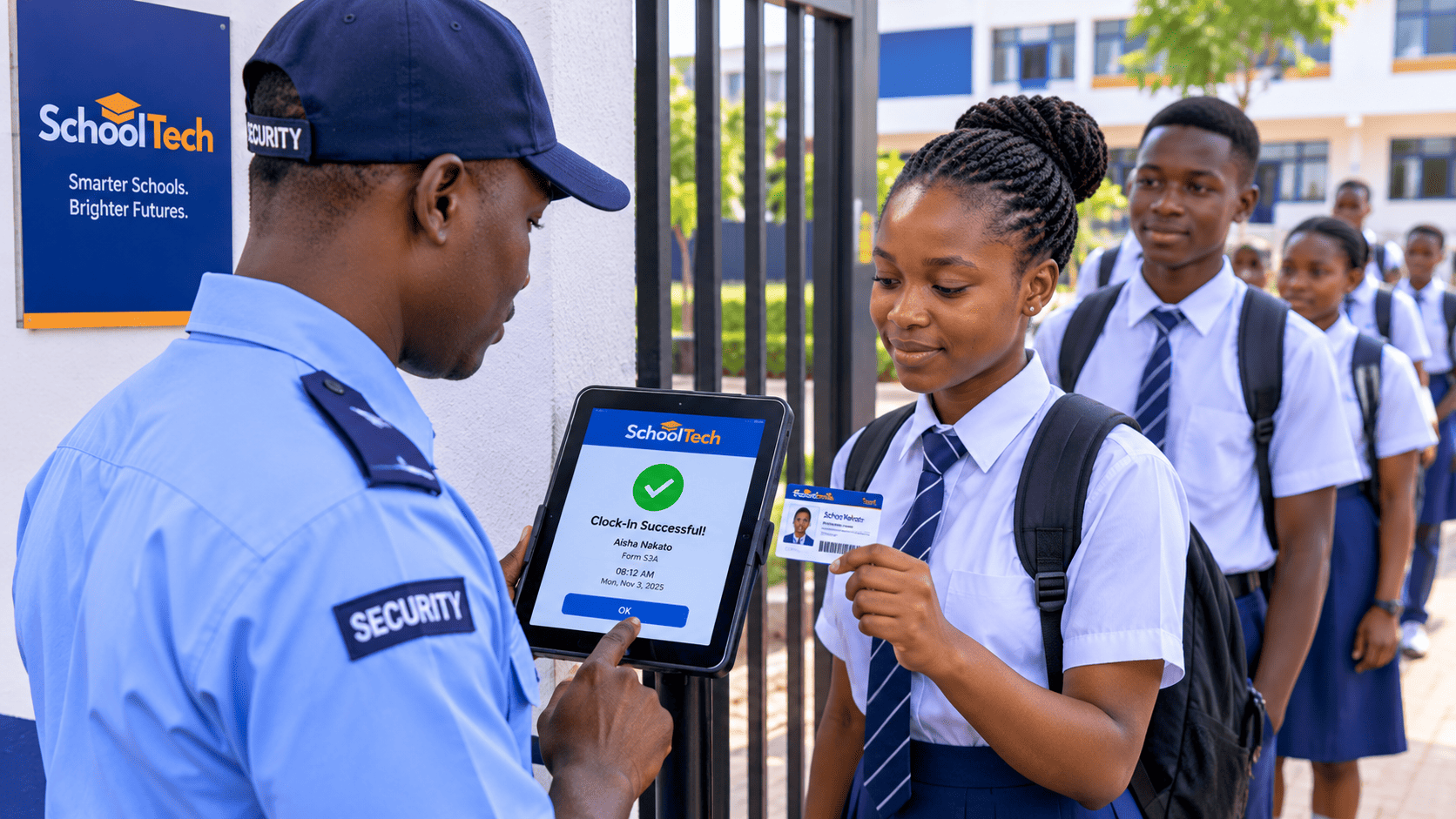
Issue and verify gate passes, and see who is still inside the school.
Get started
Learn and Grow on School Tech
Module by module
What the modules do to the same record
Attendance, fees, the gate, the library and results: entered once, and read by the desks that follow.
-
The register is marked
Attendance
A class is counted in the classroom. The list of who is missing reaches the office and each parent before the first lesson ends.
-
A fee is paid at the desk
Finance
The receipt prints and the balance on the family record moves in the same save, so the bursar and the parent see the same figure.
-
A gate pass is approved
Security
The parent confirms, the gate sees the pass, and the log keeps who approved it and when.
-
A book is issued
Library
The borrower is already known from the register, so nothing is typed a second time.
-
Results are published
Academics
One class, one term, released once the panel has signed it off.
Before you ask
The doubts schools raise before they start
The questions we are asked most often, and the answer we give.
-
[01]
Was he even at school today?
A parent
The register is marked in class and visible as soon as it is saved, so a missing child is something you can ask about the same morning.
-
[02]
How long will this take my teachers to learn?
A head teacher
A teacher marks a register, records an assessment and sees their classes: one system instead of three, and nothing to install.
-
[03]
Where does our data actually live?
A bursar
In the platform’s database, with every row tied to the school it belongs to. Fees, payroll and reports stay inside your school’s records and cannot be reached from another.
-
[04]
Our school is not run like the one next door.
A director
Modules are switched on school by school, and branding, language, currency and numbering are settings rather than code.
Questions schools ask before they start
Still have a question? contact@schooltech.africa
[01] What is School Tech?
School Tech is an integrated education management platform that helps schools manage their operations while connecting administrators, teachers, parents and students through a unified digital ecosystem.
[02] Which types of schools can use School Tech?
School Tech is designed for different educational institutions, including nursery, primary, secondary, vocational and tertiary institutions.
[03] How can parents access their children’s information?
Parents can download the School Tech Parent application, register an account and link their children using the identification details provided by their school. They can then access available academic records, attendance, fee statements, announcements and other school services.
[04] How much does School Tech cost?
School Tech offers flexible subscription packages based on a school’s requirements. Schools can choose the package that best suits their needs, with access to features determined by their selected subscription.
[05] Is my school’s and child’s information secure?
Yes. School Tech incorporates security measures and access controls designed to protect school and student information. Only authorised users can access information according to their assigned permissions.
Onboard your school
Onboarding takes a few minutes. Contact us with your school's name and the modules you run, and the platform opens with your own records.
Download
School Tech on the phone in your pocket
Staff, parents and students sign in with the details the school gives them. The app opens the same records the browser shows, and only the desks each person may use.